This is a continuation of the previous assignment - the ray-tracer. In addition to the work completed in the previous assignment I was tasked with adding additional features to support triangle renderings and parsing.
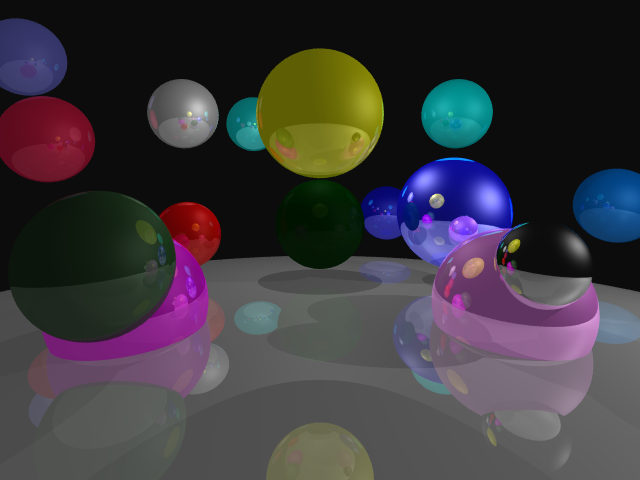
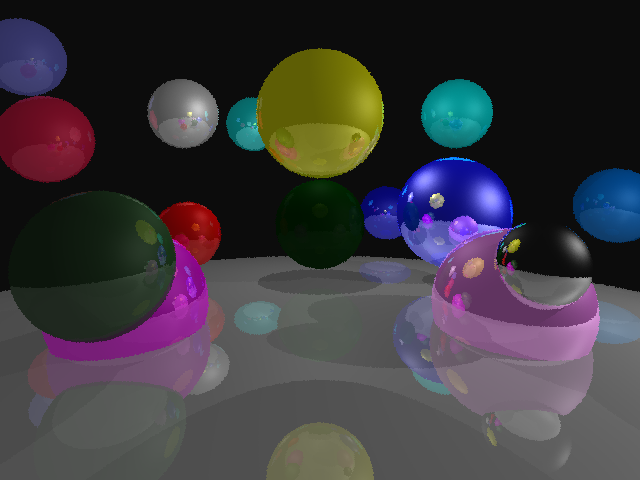
To start I added jitterd sampling. The scene parser now has a new arguement, samples_per_pixel. Then, instead of sampling a single ray for each pixel in the output image, we jitter the ray casts’ direction randomly, sampling samples_per_pixel times and averaging the results.
for (0..self.samples_per_pixel) |_| {
    const ray = self.getRay(@intCast(i), @intCast(line_number));
    color += s.shadeRay(ray, self.max_depth);
}
color = color * vec3.splat(self.samples_per_pix_inv.?);

image.setPixel(@intCast(i), @intCast(line_number), color);
Then I set out on getting refraction to work.
if (vec3.magnitude2(material.transmissive_color) > 0.001) {
    const entering = vec3.dot(ray.dir, n) < 0;
    const etai_over_etat = if (entering)
        1.0 / material.index_of_refraction // air -> material
    else
        material.index_of_refraction; // material -> air

    const normal = if (entering) n else -n;

    const refraction = vec3.refract(ray.dir, normal, etai_over_etat);
    const bounce_color = material.transmissive_color * self.shadeRay(.{ .dir = refraction, .origin = p + refraction * vec3.splat(0.001) }, bounces - 1);
    color += bounce_color;
}
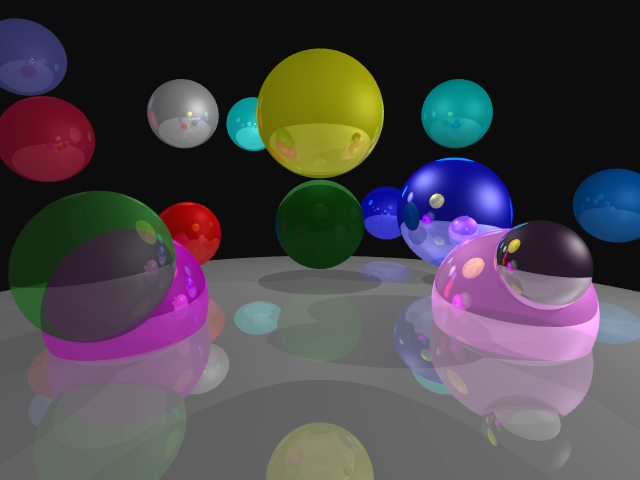
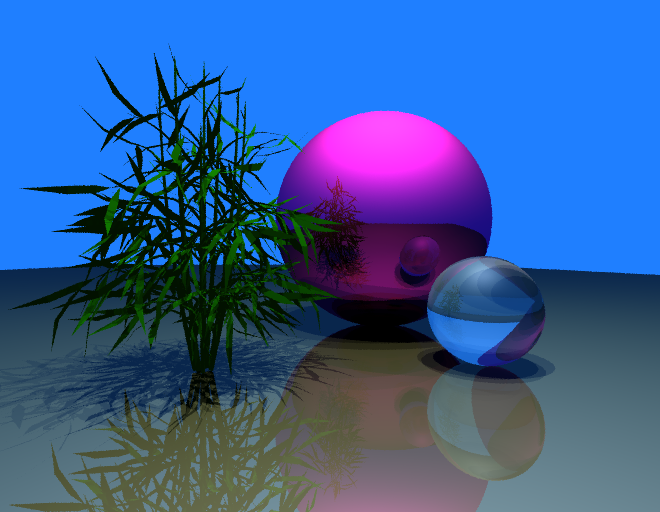
The result is pretty clear in the green sphere on the left. After I was satified with my refraction implemention, I worked on implementing triangles.
Rendering triangles requires us to create an abstraction over the ‘hittable’ objects in our scene. Each hittable object in our scene will implement a hit(object: Object, ray: main.Ray, ray_tmin: f64, ray_tmax: f64) ?main.HitRecord function which returns null if no hit occurs or a struct called hitRecord with information about the hit, like the normal, distance, and material.
To create this sort of ‘base class’ in zig we can use a union enum. This enum defines a hit function which all structs in the union will have to implement. The function hit() just calls the hit function for the corresponing sub-struct it was called on
pub const Object = union(enum) {
    sphere: Sphere,
    triangle: Triangle,
    normal_triangle: NormalTriangle,

    pub fn hit(object: Object, ray: main.Ray, ray_tmin: f64, ray_tmax: f64) ?main.HitRecord {
        return switch (object) {
            inline else => |obj| obj.hit(ray, ray_tmin, ray_tmax),
        };
    }
}
Then, when parsing the scene file we add all spheres, and triangles to an ArrayList of type Object
const tri = objects.Triangle.init(
    v0,
    v1,
    v2,
    @as(u16, @intCast(s.materials.items.len)) - 1,
);
try scene.objects.append(allocator, objects.Object{ .triangle = tri });
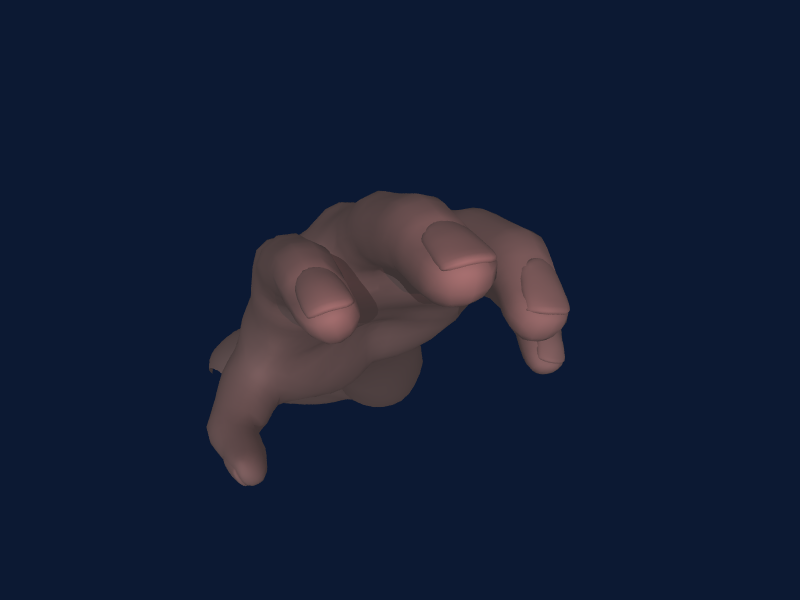
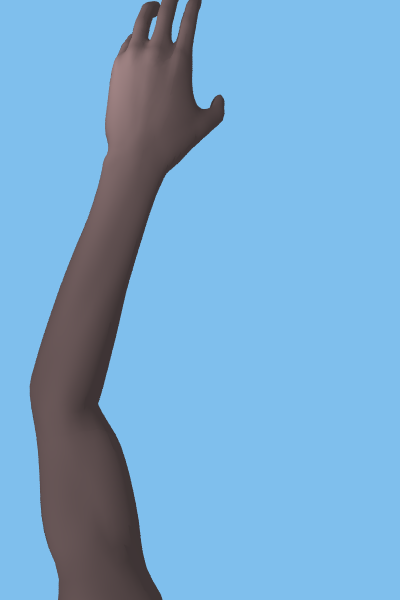
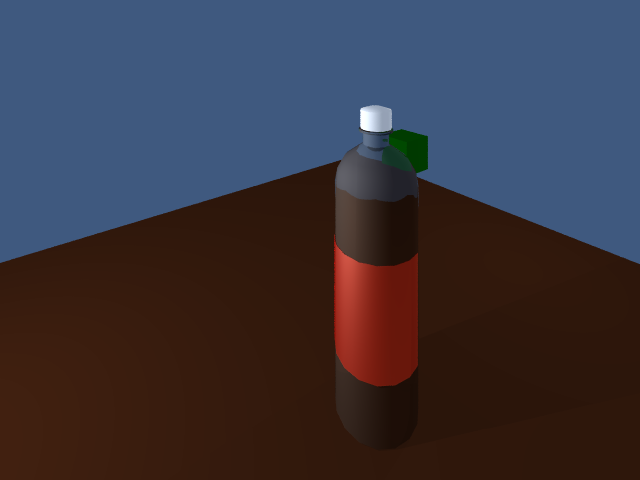
To intersect triangles we can use the barycentric coordinates computed using the Möller–Trumbore intersection algorithm
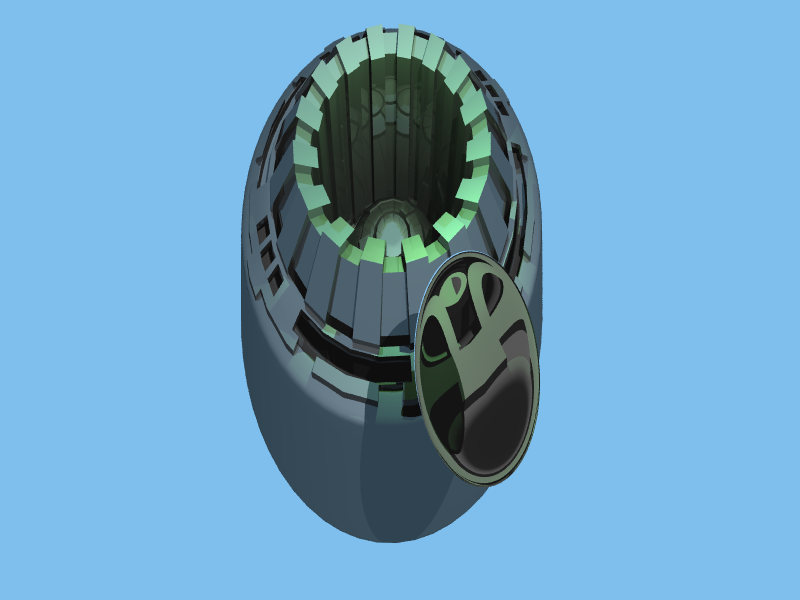
Finally, I parallelized my ray tracer by dividing each line of the ray-tracer across a thread pool. Zig makes this pretty easy. First we create our thread pool:
var pool: std.Thread.Pool = undefined;
try pool.init(.{
.allocator = allocator,
});
defer pool.deinit();
The defer line automatcally calls join on all the threads when we exit the current scope. Then for each scan line we can give that task to one of the threads in our thread pool
var wg: std.Thread.WaitGroup = .{};
for (0..img_height) |j| {
    pool.spawnWg(&wg, Camera.scanLine, .{ self, j, &output_img, s, line_pb });
Testing the parallel implementation on my Intel(R) Core(TM) i5-9400F - over 6 threads gave the following results
| Scene | Parallel(s) | Single-Threaded(s) | Speedup |
|---|---|---|---|
| Gear | 59.29 | 336.31 | 5.67 |
| Arm-top | 0.94 | 5.41 | 5.75x |
| Arm-reach | 1.82 | 10.43 | 5.73x |
| Bottle | 27.72 | 188.70 | 6.08x |
Extra Credit
BVH
I implemented a BVH tree using this website as an outline for contruction of the bvh. I also took a lot of inspiration from the popular RayTracing in One Weekend website.
The speedup from the bvh was very scene dependent.
| Scene | BVH | Brute Force Loop | Speedup |
|---|---|---|---|
| spheres2 | 3.32 | 2.58 | 0.78x |
| Arm-top | 1.3 | 258.74 | 199.03x |
| Arm-reach | 2.1 | 444.19 | 211.52x |
| Bottle | 27.72 | 33.33 | 1.20x |
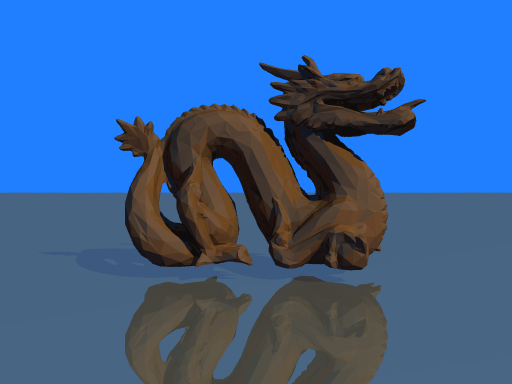
| Dragon | 480.452564 | 471.97 | 0.98x |
| Gear | 59.29 | 698.007321 | 12.03x |
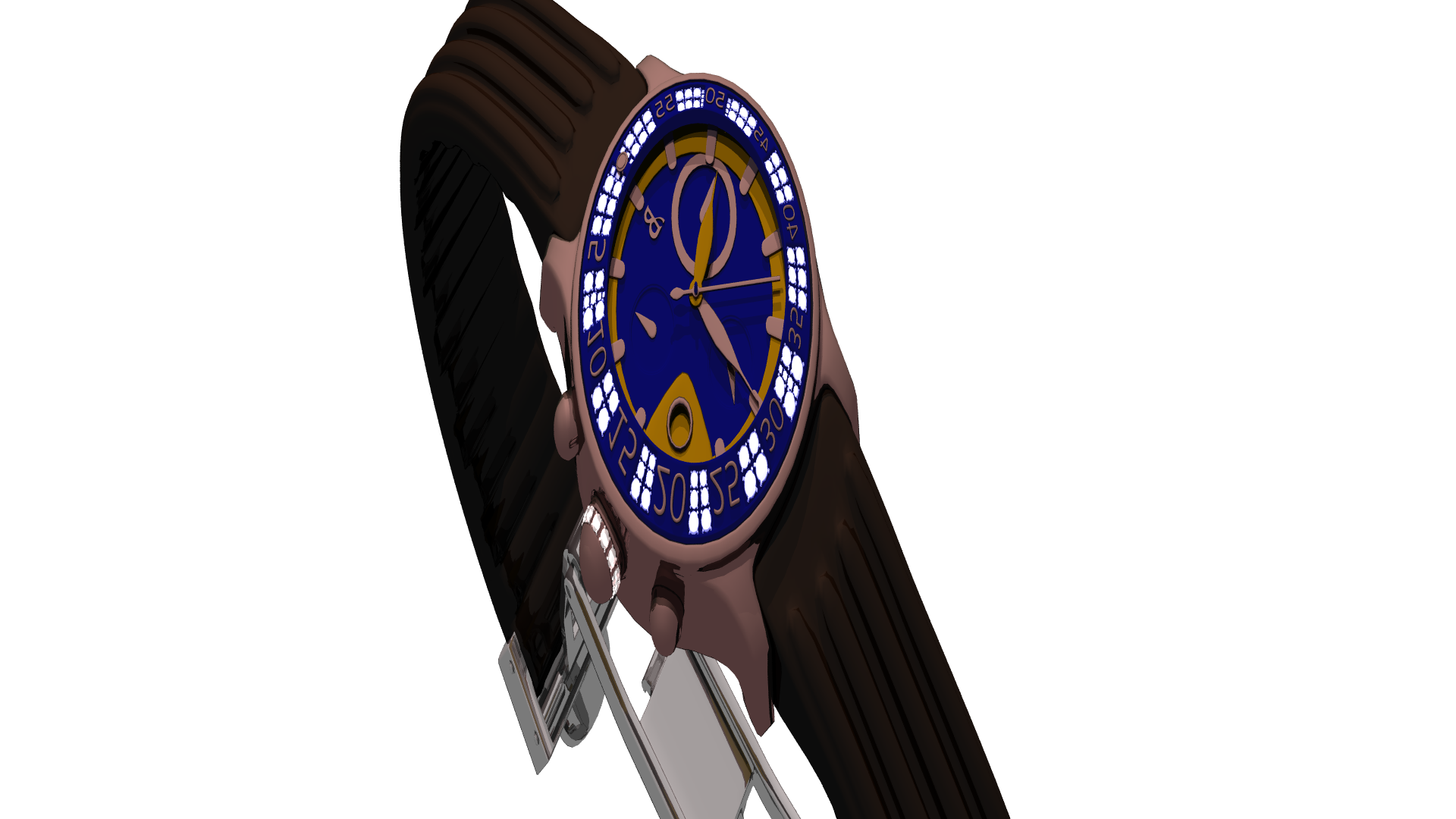
| Watch | 79.983598 | NA | NA |
Code
Halloween Extension
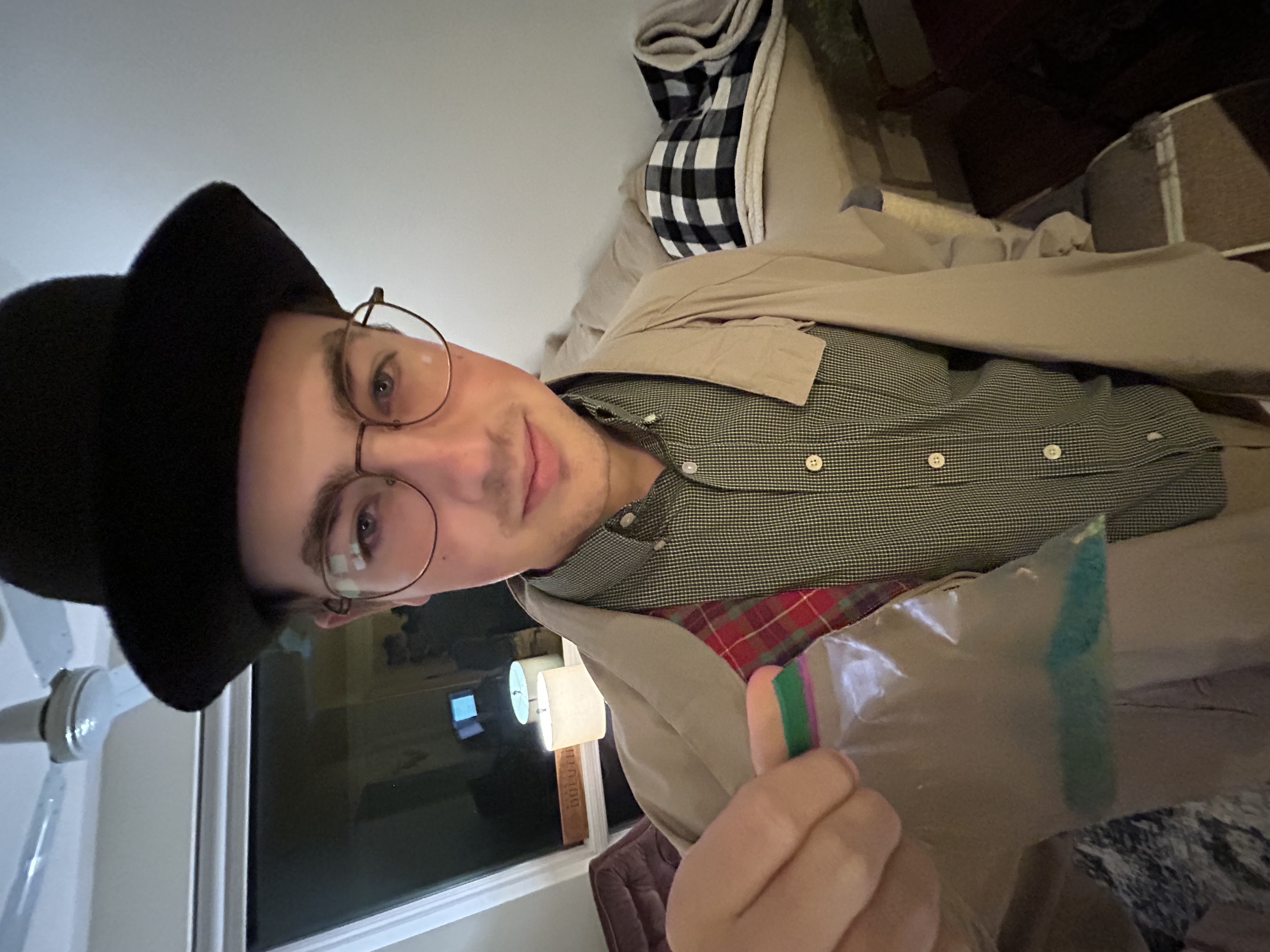
I dressed up as Walter White this Halloween